Skip to content
Menu

Build · Sets and prop references

Show the detail words miss.

The harbour your story returns to. The product a character holds. Give the model a visual starting point for the places and objects that matter.

Free story planning. Video generation on Pro and Studio.

storydirectorVisual references
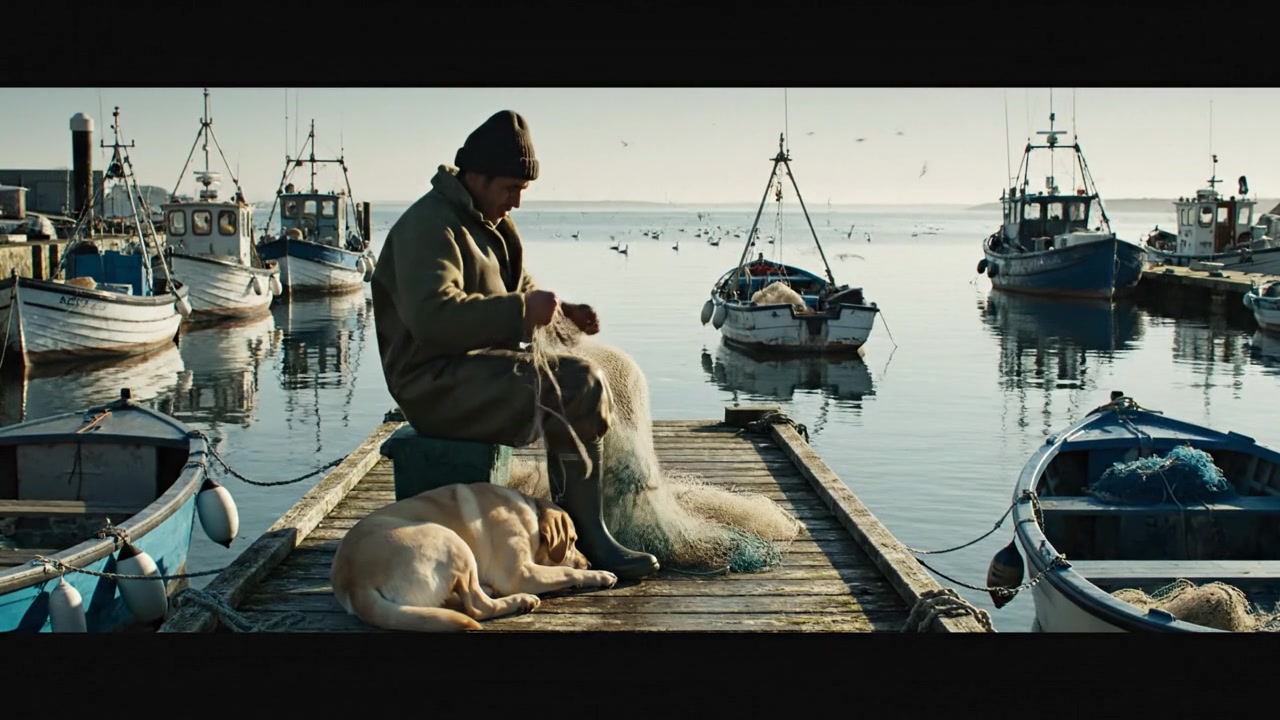
Wooden boats, a fisherman and a dog beside the harbour.
Reference direction

Return to this harbour. Keep the weathered boats and the warm morning light.

Location · The harbour
Workflow illustration · imagery from the StoryDirector archive.

Sets and prop references

A shared world, scene by scene.

Specific objects and familiar places can be hard to communicate with words alone. Pair your direction with a reference, explain its role, and keep those visual decisions connected to the scene.

01

Return to an established location

Generate or upload a set image and approve its appearance. When a later scene returns to that place, select the existing set so both scenes share a location reference.

The same workshop in the opening scene and the final reveal.

02

Give an important object its own reference

Upload a clear product or prop image in the scene References tab. Describe what it is and how it should be used, then refer to it in your scene direction.

Use the uploaded camera as the product on the workbench.

03

Bring references into the edit

If an existing shot contains the wrong object or setting, add a reference to a selected-section AI edit. State what should be replaced and which parts of the original shot should remain.

Replace the object on the desk with the reference; retain the camera movement.

From intent to result

A few decisions.
A more deliberate film.

  1. 01

    Choose the reference

    Use a clear image of the location, product or object.

  2. 02

    Explain its role

    Describe what the scene should take from that image.

  3. 03

    Review it in context

    Check the result, select the take or refine the affected section.

Before you begin

Questions worth asking.

See plans and credit details →
Can I reference a real product?

Yes. Upload an image you have permission to use, describe the product and tell the scene what to do with it. Check generated details against the source before using the result in a product presentation.

Does reusing a set copy the exact shot?

It reuses the approved location reference. You can give the new scene different action and framing; generated geometry and details can still vary.

Can I fix a prop after generating the scene?

Yes. Select the relevant section in the editor and provide an edit request with a reference image. Compare the returned edit before choosing it for your cut.

Keep shaping the film

Connected to your next step.

Make it in StoryDirector

Make the world you have in mind.

Start with your idea. Shape the details as your film takes form.