Skip to content
Menu

Develop · Story to video

Your story has somewhere to go.

A premise in your head. A scene in your notebook. Start there, then develop it into a film you can watch, revise and make your own.

Free story planning. Video generation on Pro and Studio.

storydirectorDevelop the story
The idea
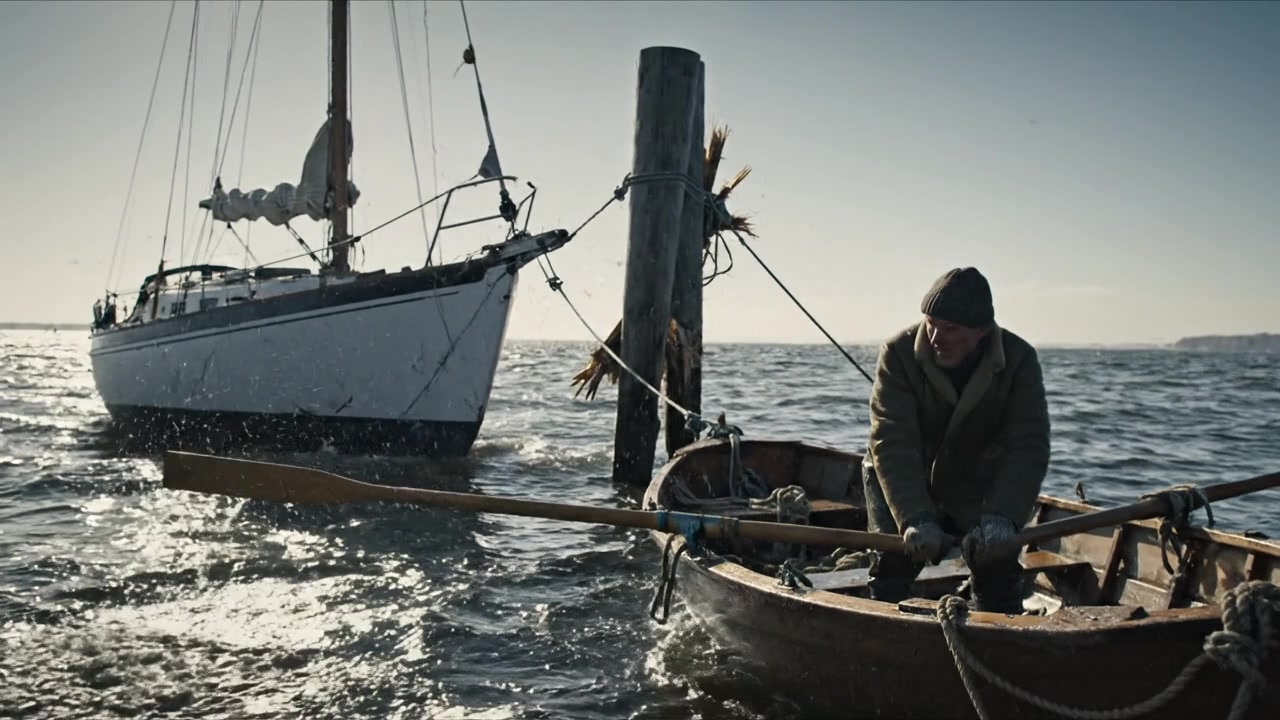
He came back for the boat.
He stayed for the people.
01 · The return
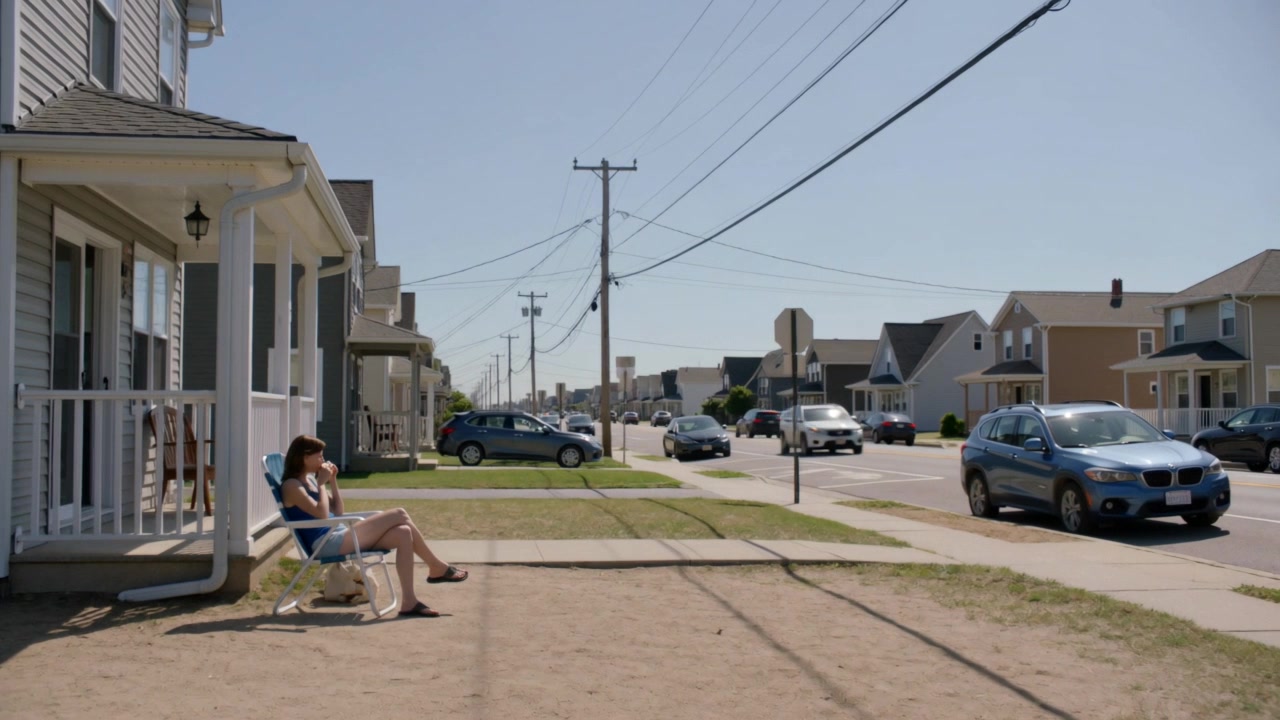
02 · An old friend
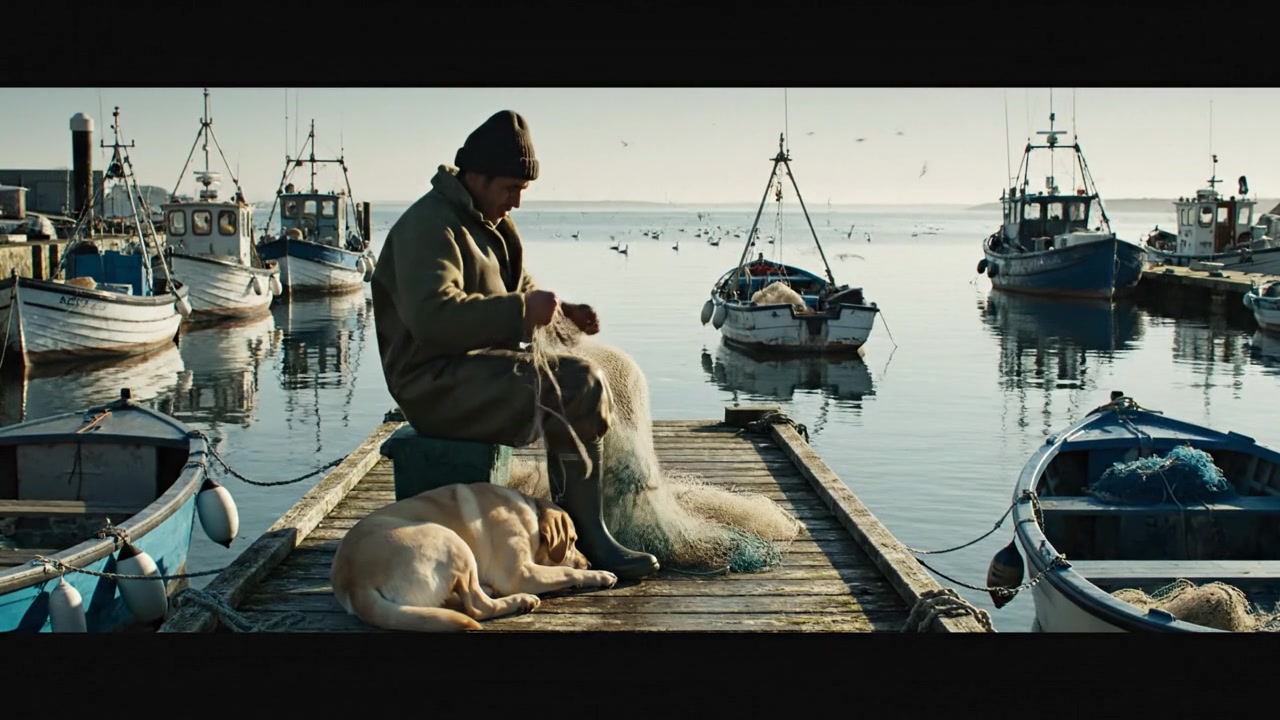
03 · A new beginning
A story becomes a sequence you can shape.
Workflow illustration · imagery from the StoryDirector archive.

Story to video

A creative starting point. A clear next step.

You do not need to arrive with a collection of video prompts. Describe the story and what matters to you. StoryDirector helps organize it into scenes, cast, locations and cinematic direction that you can review before rendering.

01

Start at your level of detail

Explore a simple idea with the guided flow, or bring written scenes with the dialogue and action already in place. Give the story a tone, a visual style and a point of view.

Try: a fisherman returns to a harbour he thought he had left behind.

02

Make decisions before spending on footage

Review your cast and locations, read the direction, and adjust what matters. The engine develops the scene instructions; you can inspect and edit them.

Choose the people, setting and emotional beat before generating the scene.

03

Let the cut change your mind

Seeing the story can reveal a missing introduction or a moment that arrives too late. Add a custom scene, rearrange the sequence and select the takes you want to bring into your final cut.

Add an establishing scene, move it to the opening, then rebuild your film.

From intent to result

A few decisions.
A more deliberate film.

  1. 01

    Bring the story

    An idea, a written scene or a detailed creative brief.

  2. 02

    Review the direction

    Shape cast, sets, dialogue and the scenes to generate.

  3. 03

    Build your first cut

    Choose takes, arrange scenes and refine the moments that need work.

Before you begin

Questions worth asking.

See plans and credit details →
Do I need to know how to prompt a video model?

No. You can begin with story language. The engine creates cinematic direction, and scene prompts remain editable when you want more control.

Can I bring my own writing?

Yes. Bring prose, dialogue or a scene description. Start with the sequence you want to make; the app shows the current input limits before you submit.

Is this one long generated video?

You build a film from generated scenes and selected takes. You can refine an individual scene or section, then assemble the versions you choose into the final cut.

Keep shaping the film

Connected to your next step.

Make it in StoryDirector

Give that idea its first scene.

Start with your idea. Shape the details as your film takes form.